Where time gets lost
Status lives in one tool, decisions in chat, and assets somewhere else. PMs spend too much time finding answers instead of moving work forward.
Project management software with chat, files, and approvals keeps tasks, decisions, documents, feedback, and sign-off in one project workspace. Teams spend less time reconstructing context across separate tools.
Keep tasks, project chat, files, decisions, calendars, and approvals together so project managers can move work without rebuilding context.
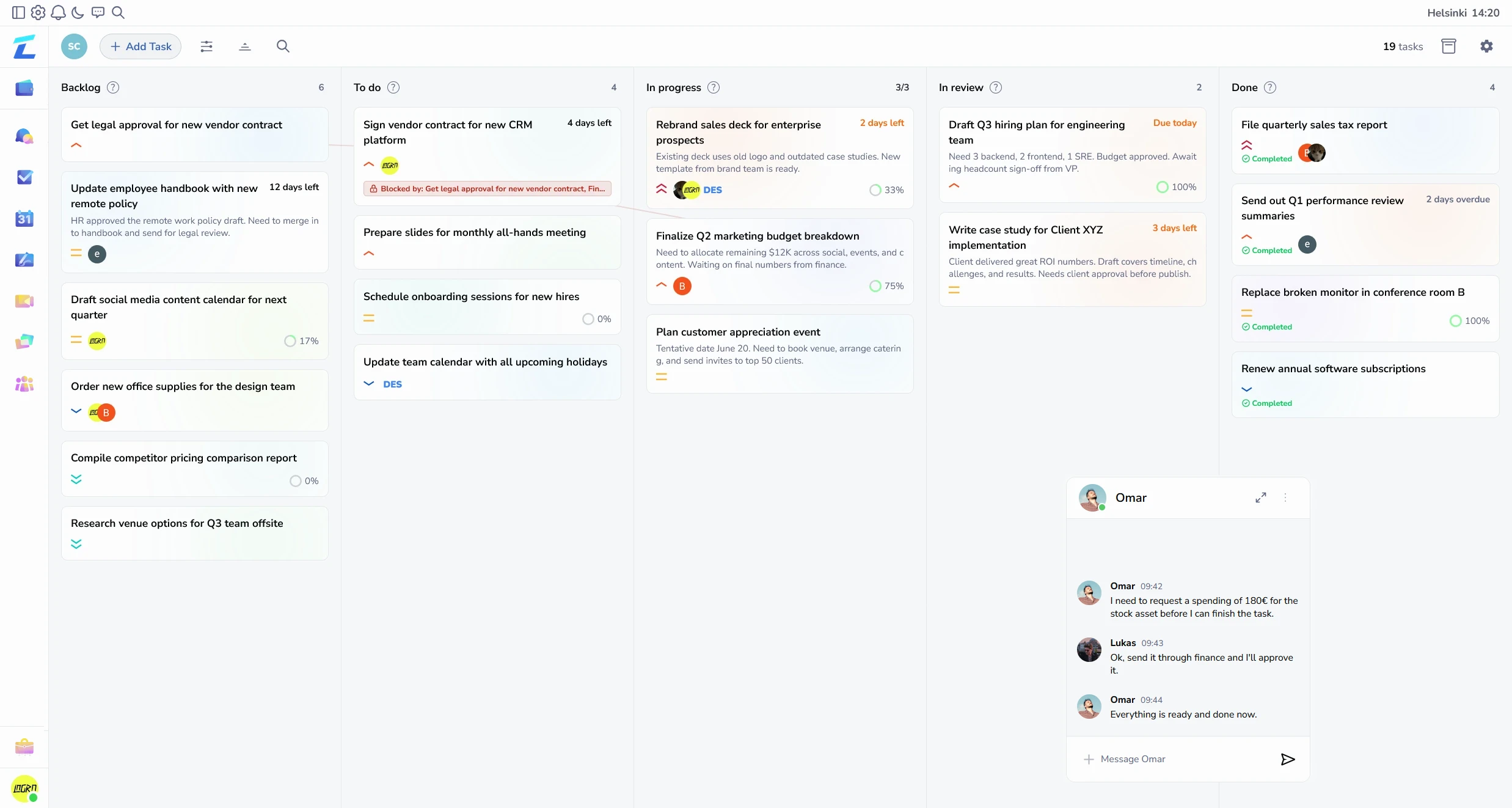
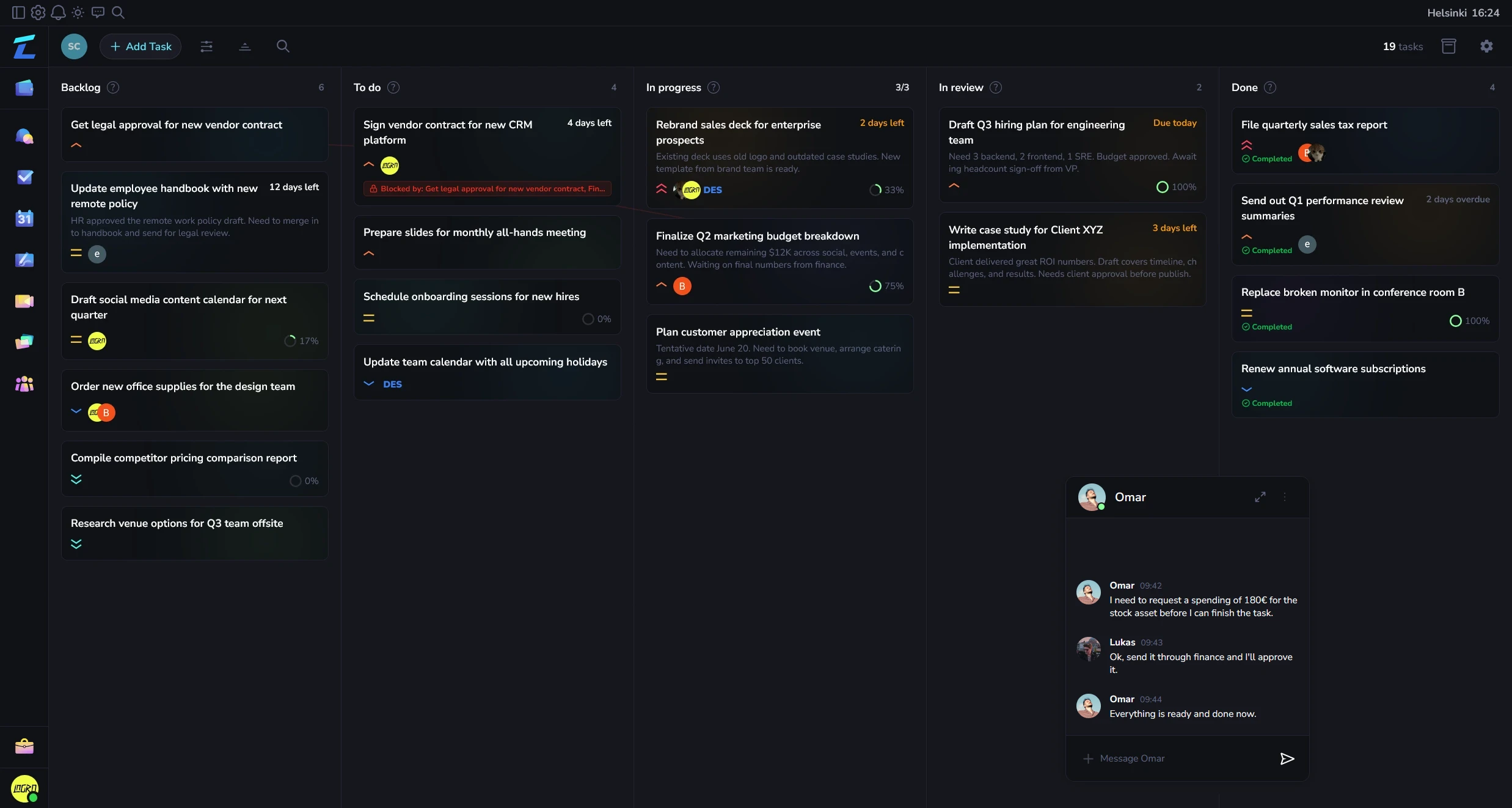
Usually shows up as hidden blockers, wrong file versions, and too much time spent chasing updates.
Status lives in one tool, decisions in chat, and assets somewhere else. PMs spend too much time finding answers instead of moving work forward.
Keep assignments, files, discussion, and decision history close enough that projects can move without constant translation.
Show how work, communication, and follow-through stay connected when teams stop splitting them across separate tools.
Task updates and files stay attached to the work itself instead of getting buried in separate channels or docs.
Ownership, changes, and missing approvals become visible before they turn into deadline fire drills.
New teammates can follow the decision trail from one workspace instead of a pile of disconnected links.
People usually want to know three things fast: what becomes easier, what current setup this can replace, and whether it will feel manageable to adopt.
| Area | Details |
|---|---|
| Works best when | PMs and delivery leads who spend too much time chasing updates across chat, docs, and boards. |
| Often replaces | Status spread across project software, team chat, shared docs, and file folders. |
| What to see first | Review one real project and see how much follow-up disappears when work and discussion stay together. |
If you want a tool that handles project chat, files, approvals, delivery, and finance out of the box, Lyniti was built for exactly this.
Project management software with chat, files, and approvals keeps tasks, decisions, documents, feedback, and sign-off in one project workspace. Teams spend less time reconstructing context across separate tools.
Core features should include tasks, assignees, deadlines, project chat, file sharing, approval status, calendars, and progress views.
It suits project managers and delivery teams coordinating internal work or client projects.
It keeps decisions beside execution, makes blockers visible, and gives stakeholders a clear review path.
It can. Lyniti connects project delivery to client records, invoices, expenses, bookkeeping, and finance views.
Keep tasks, project chat, files, decisions, calendars, and approvals together so project managers can move work without rebuilding context.