Does Lyniti Tasks use a Kanban board?
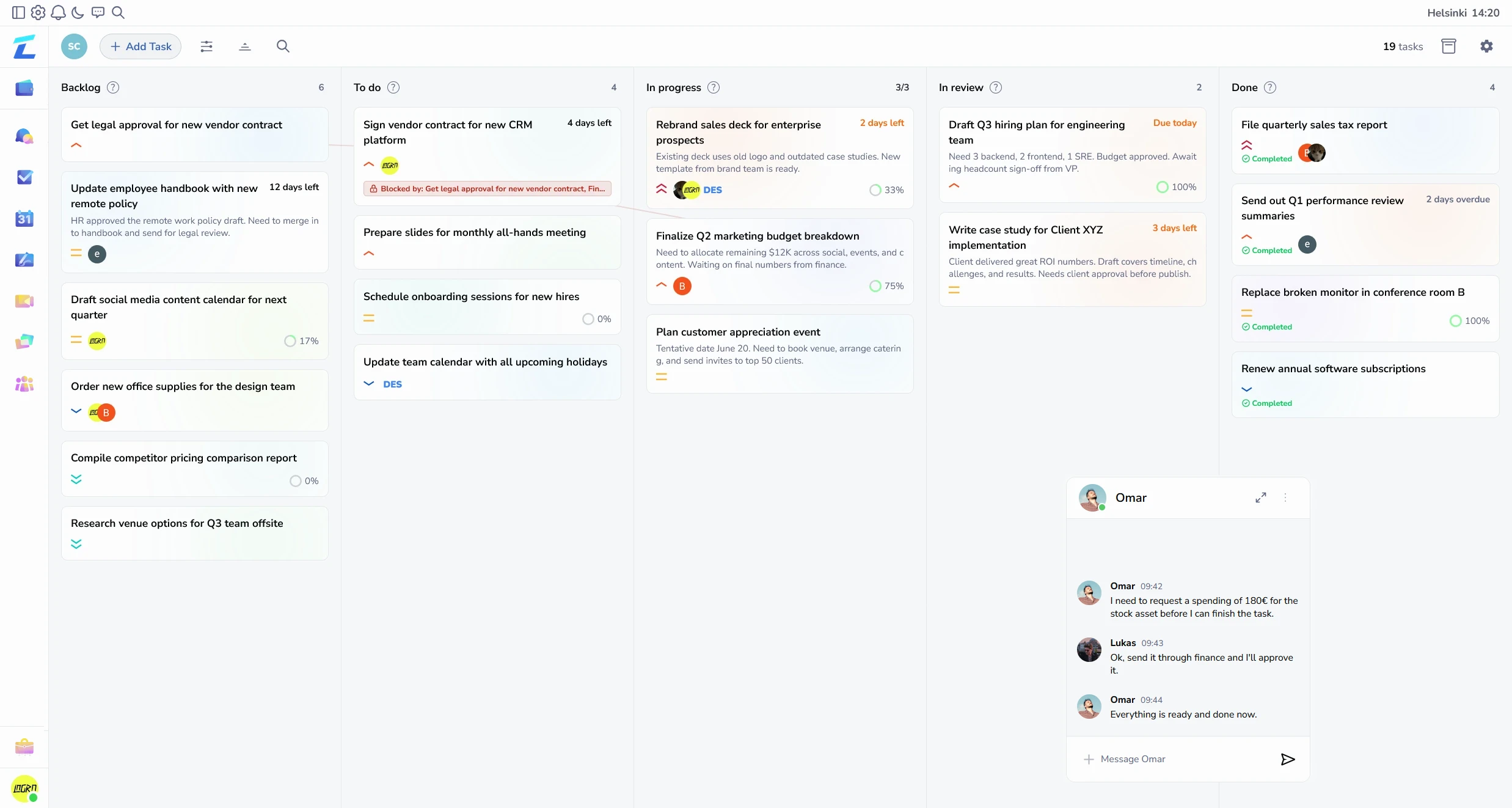
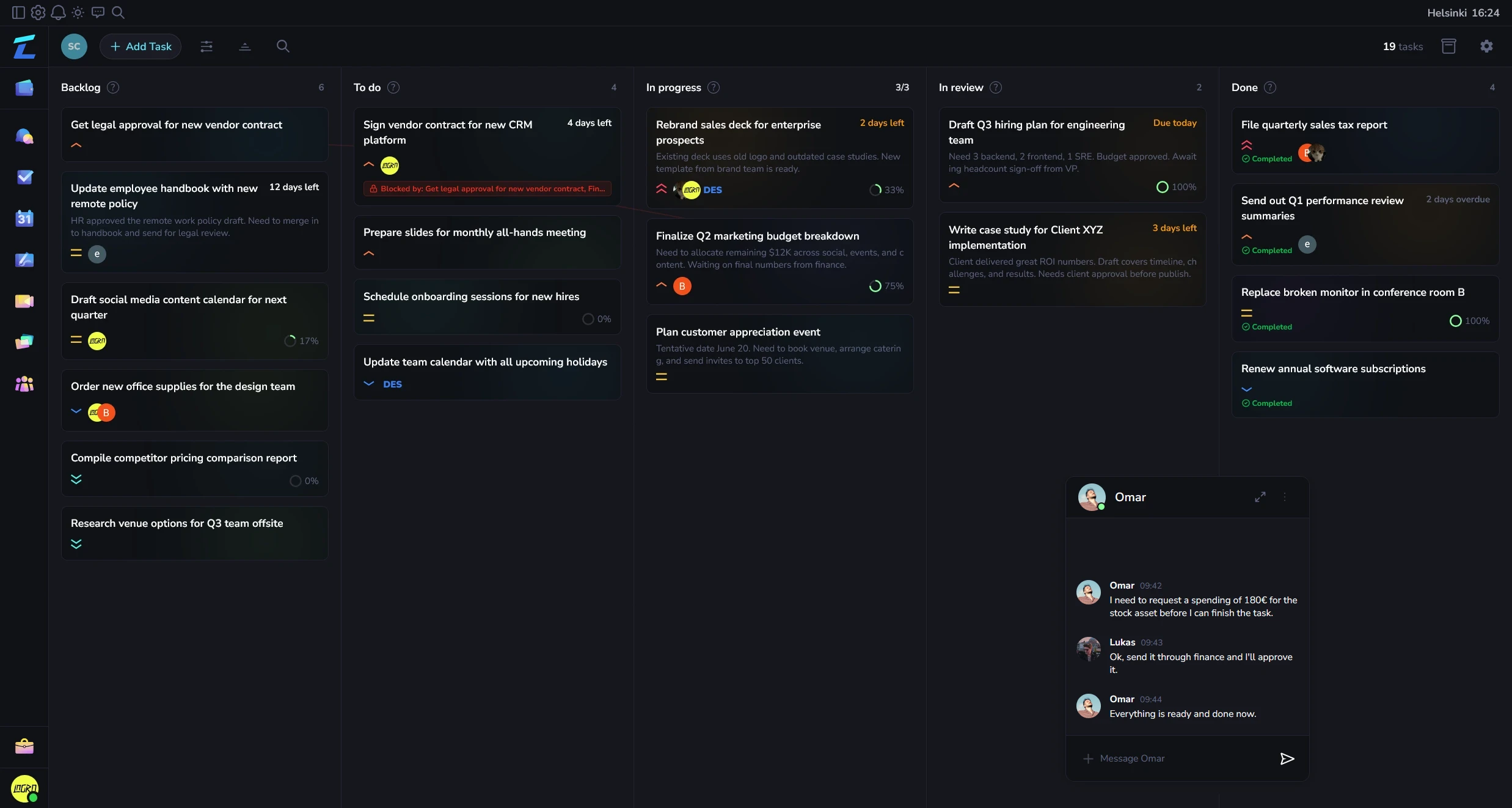
Yes. Tasks uses board stages such as backlog, to do, in progress, review, and done.
Kanban task management for projects, priorities, subtasks, dependencies, attached files, and connected team conversations.
Lyniti Tasks gives teams structured execution view inside same workspace as files, whiteboards, and conversations. It supports both quick board visibility and more detailed task management for dependencies, subtasks, and project views.
| Capability | Details |
|---|---|
| Kanban and list views | Switch between a visual Kanban board and a compact list view across backlog, to do, in progress, review, and done stages. |
| Priorities, assignees, and project views | Tasks support multiple priority levels, user assignments, and project-specific views for teams running several streams at once. |
| Subtasks and dependencies | Task details include subtasks, dependency lines, completion percentages, and blocked relationships for more structured execution. |
| Attachments and previews | Files can be attached to tasks and previewed directly from tracker modals when execution needs supporting material close by. |
| Archived tasks and live updates | Archived tasks remain searchable, and tracker hooks use live update flow so board changes stay current across workspace sessions. |
Yes. Tasks uses board stages such as backlog, to do, in progress, review, and done.
Yes. Task details support subtasks, dependencies, blocked relationships, and completion tracking.
Yes. Files can be attached to tasks and previewed from task modals.
Manage projects with Kanban and list views, priorities, assignees, subtasks, dependencies, files, and live updates.