Where time gets lost
When too many tools sit on top of each other, teams enter same information twice, onboarding gets harder, and reporting turns into manual cleanup.
Operations management software for small teams centralizes recurring work, ownership, files, conversations, calendars, and approvals. It helps teams run daily operations without building a complicated stack.
Run recurring work, handoffs, approvals, files, calendars, and cross-team operations in one shared workspace.
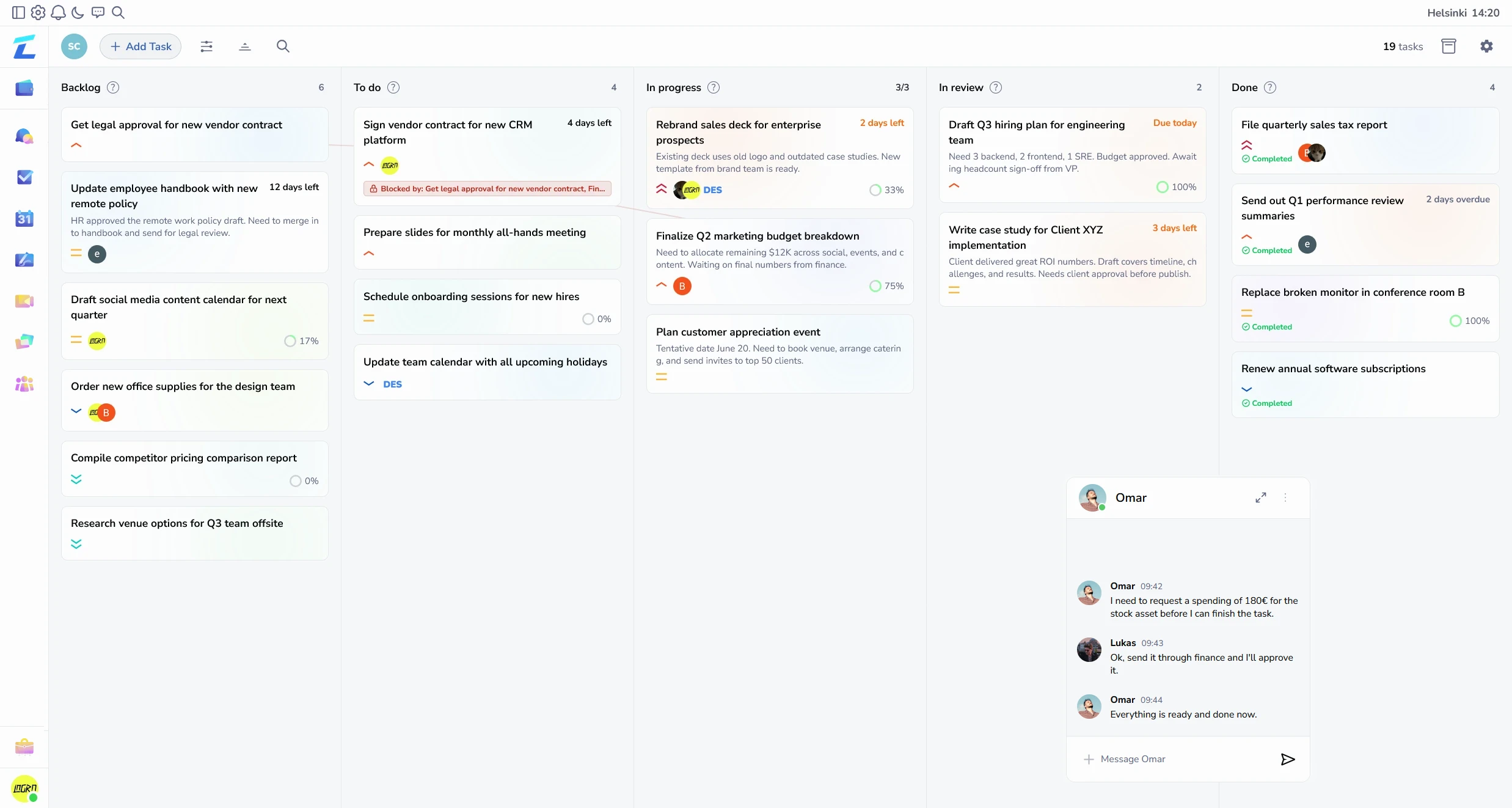
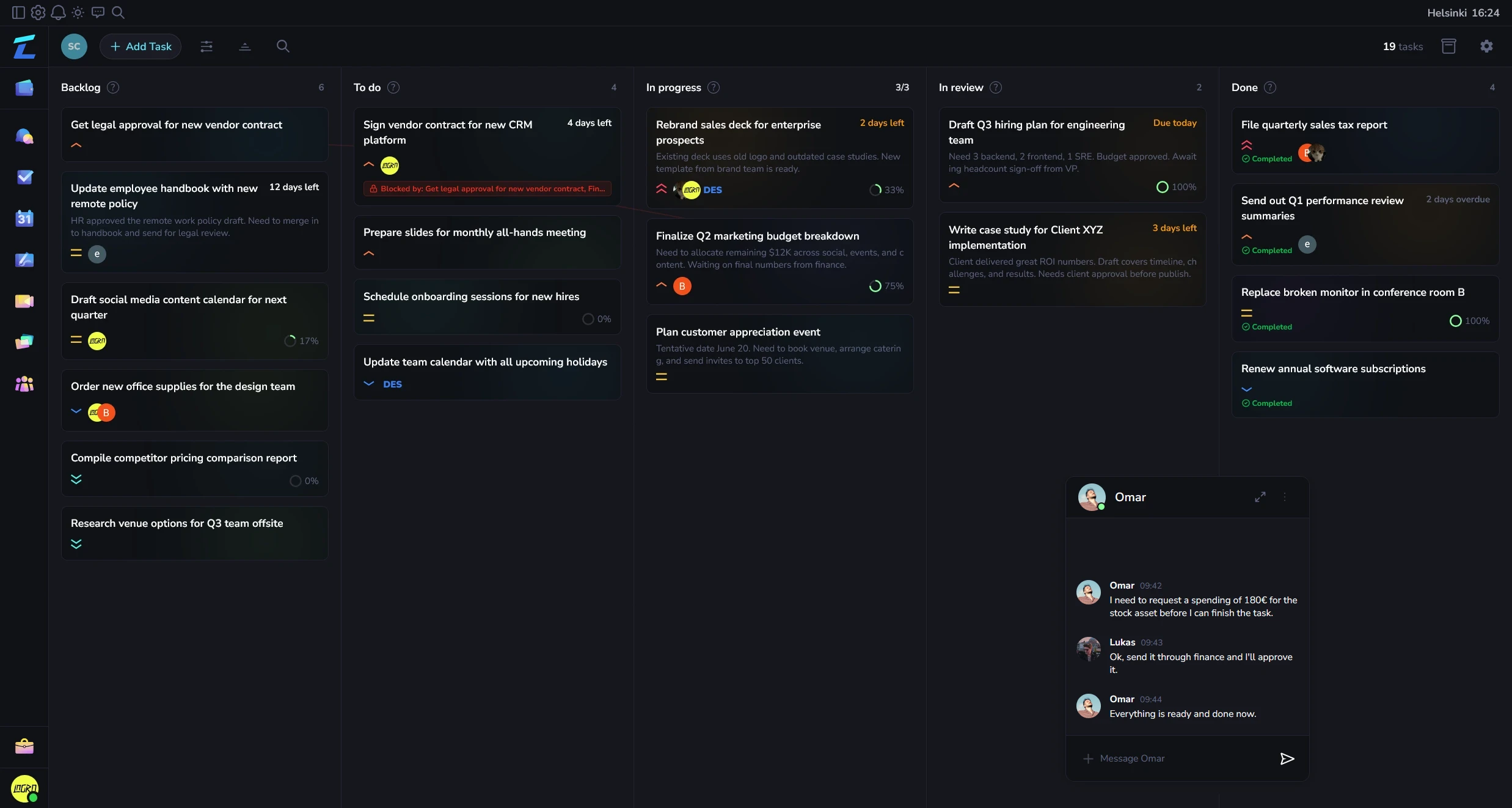
Teams usually start looking when tool overlap slows onboarding, reporting, and everyday handoffs.
When too many tools sit on top of each other, teams enter same information twice, onboarding gets harder, and reporting turns into manual cleanup.
Give teams one clear operating layer for work, approvals, files, and records instead of a stack they have to translate between all day.
Show how work, communication, and follow-through stay connected when teams stop splitting them across separate tools.
Move task flow, approvals, and handoffs into one shared workspace instead of stitching together several point tools.
Ops, delivery, and finance see the same records, which cuts status pings and conflicting reports.
New teammates learn one system, one workflow language, and one place to find context.
People usually want to know three things fast: what becomes easier, what current setup this can replace, and whether it will feel manageable to adopt.
| Area | Details |
|---|---|
| Works best when | Growing teams that already feel tool overlap, onboarding drag, and reporting friction. |
| Often replaces | Task app plus docs plus file layer plus approval flow patched together by operations. |
| What to see first | Map one existing process into one workspace and compare it against current stack. |
If you want a tool that handles small-team operations, communication, files, approvals, and finance out of the box, Lyniti was built for exactly this.
Operations management software for small teams centralizes recurring work, ownership, files, conversations, calendars, and approvals. It helps teams run daily operations without building a complicated stack.
Useful features include task ownership, shared calendars, team chat, files, approvals, reusable workflows, and workload visibility.
It suits small operations, service-delivery, administration, and cross-functional teams with recurring workflows.
It makes handoffs visible, reduces status chasing, and gives each person a clear next action.
It can. Lyniti also links operational work to invoices, expenses, bookkeeping, and finance reporting when needed.
Run recurring work, handoffs, approvals, files, calendars, and cross-team operations in one shared workspace.